
02 · 2 min
Add your Mistral key
Reading job descriptions, ranking them and rewriting your résumé all run on your key, not on ours.
The key does the reading. It pulls skills and an experience band out of each job description, and it fills the answers the agent applies with. Without one, nothing gets enriched and the matcher finds nothing to rank — the pipeline runs and produces an empty list.
Why Mistral
Because the free tier is genuinely free. Around a billion tokens a month, no credit card asked for at any point, and an email address is the whole sign-up. The allowance refills by itself every month, so there is nothing to top up and nothing to cancel — which is the reason this asks you for a Mistral key rather than anyone else’s.
Free does not mean ours. The key is yours, the allowance is yours, and the usage is billed to nobody — we never see it and never proxy through it.
Get a key
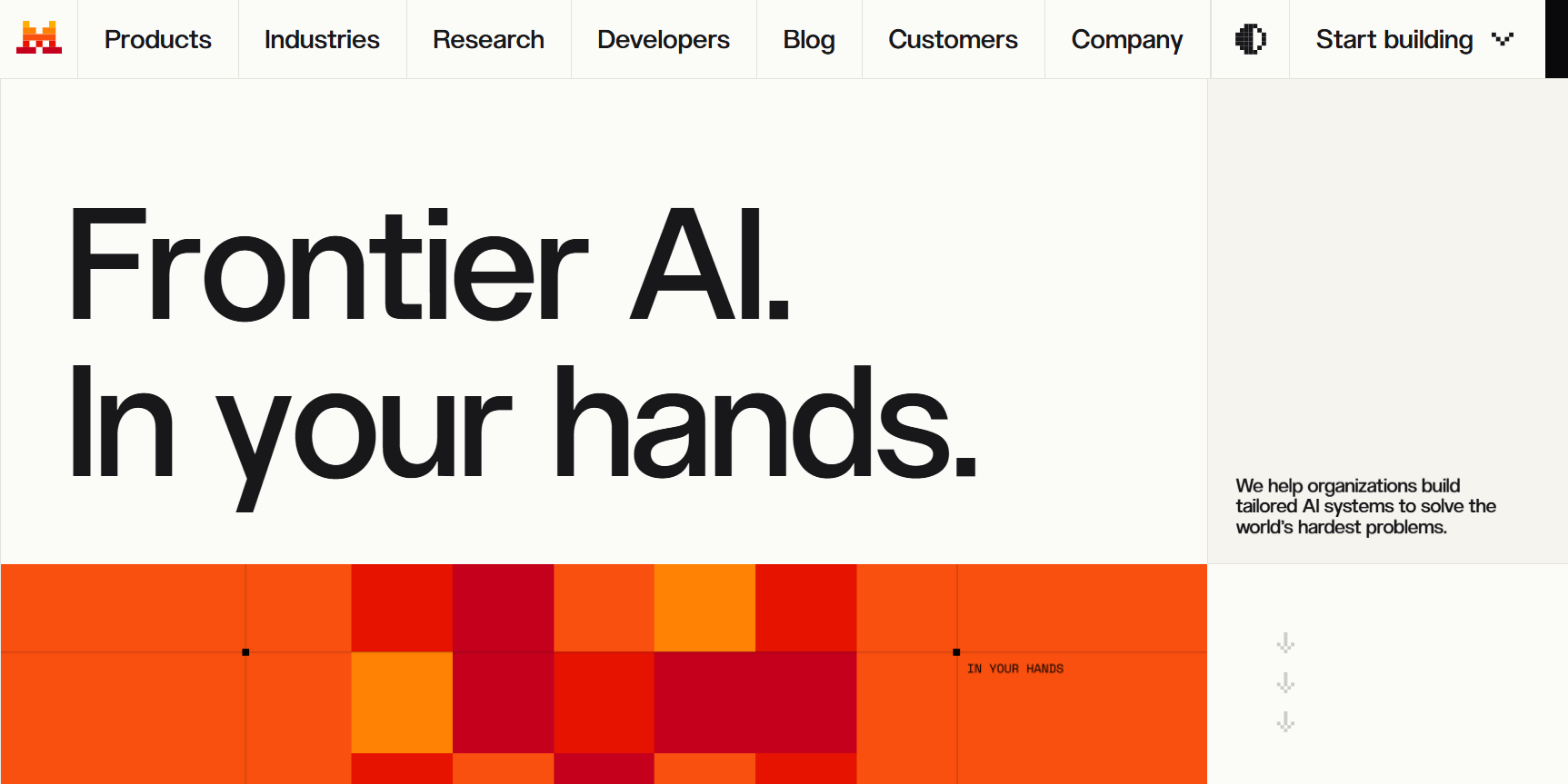
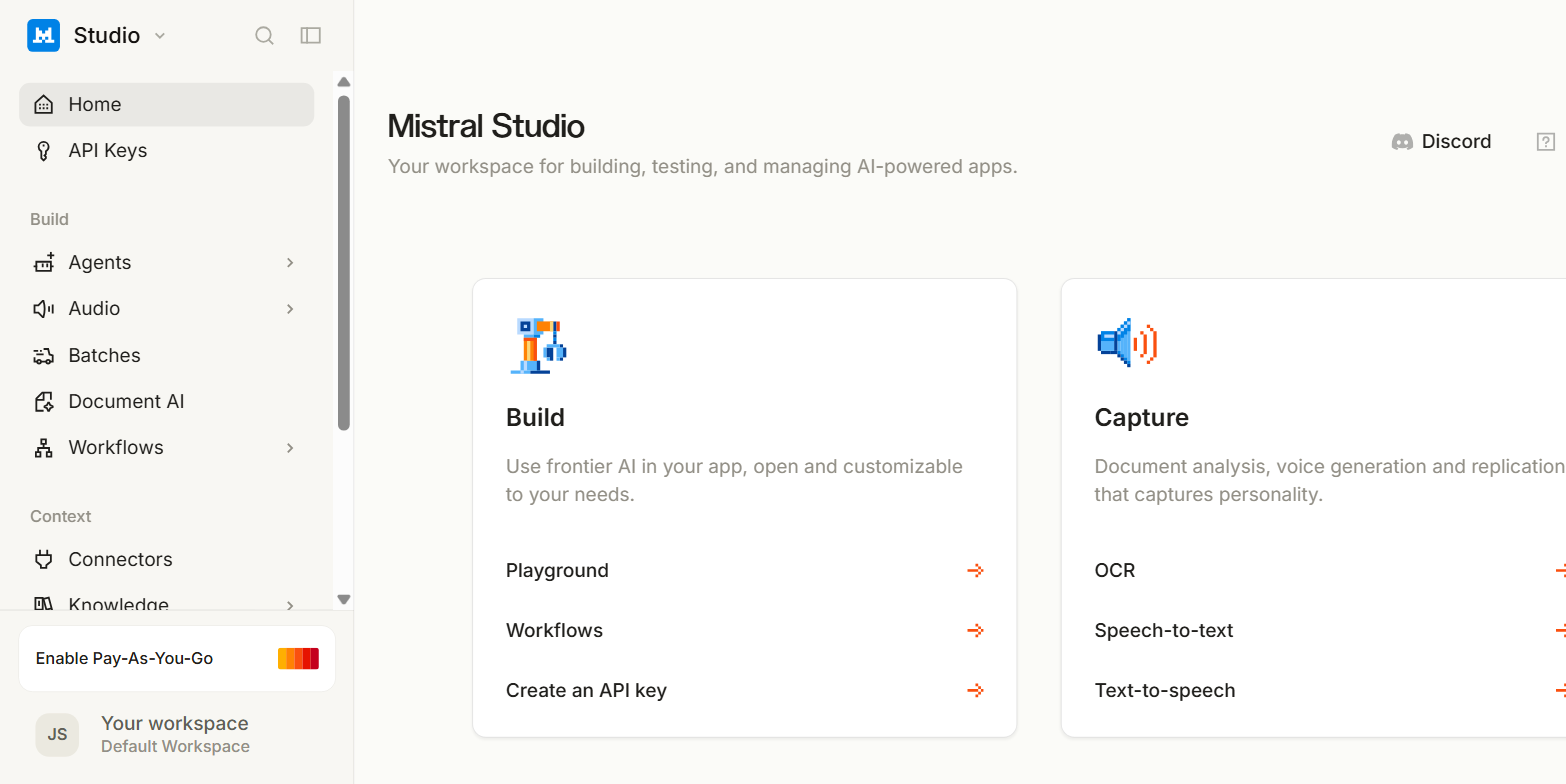
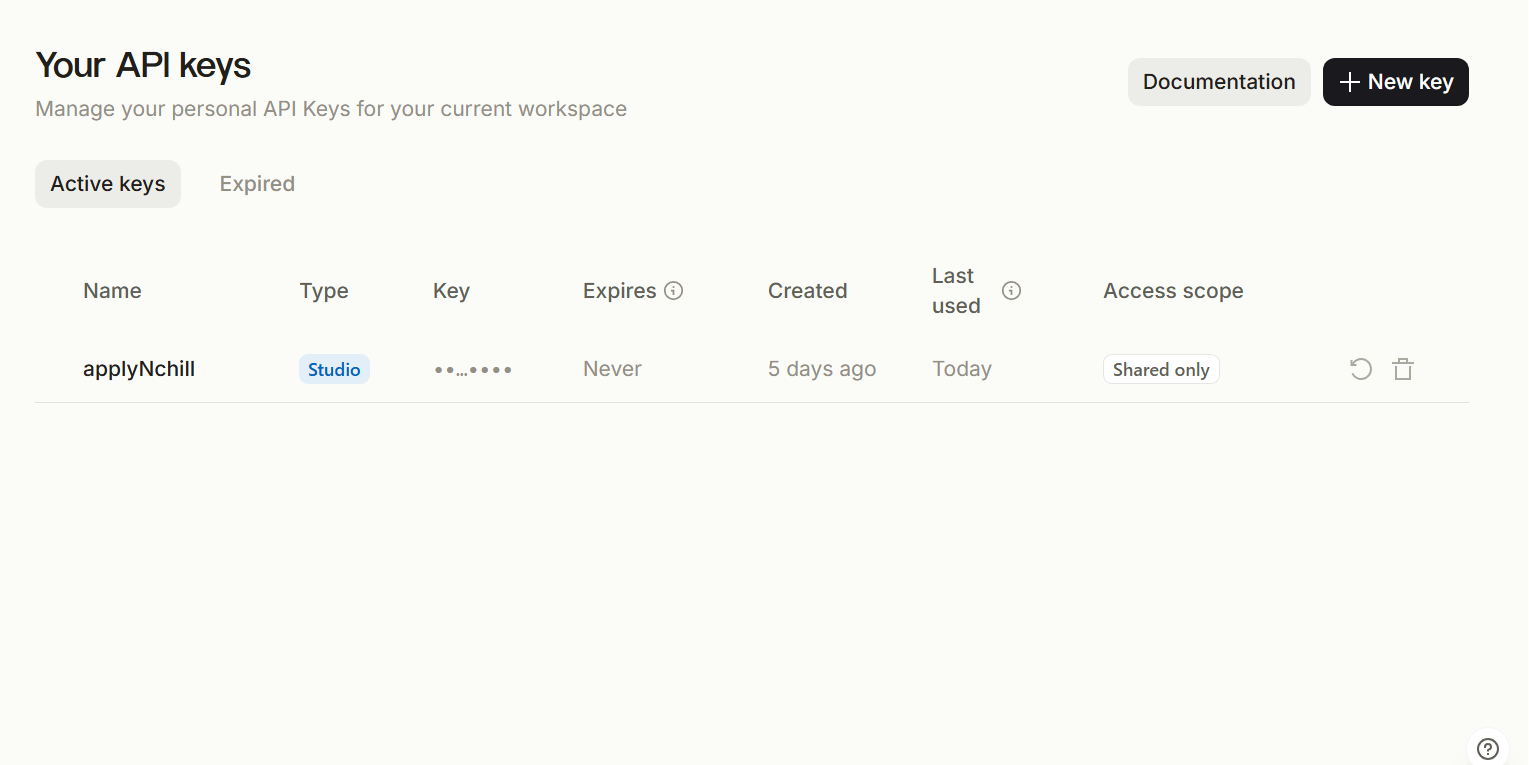
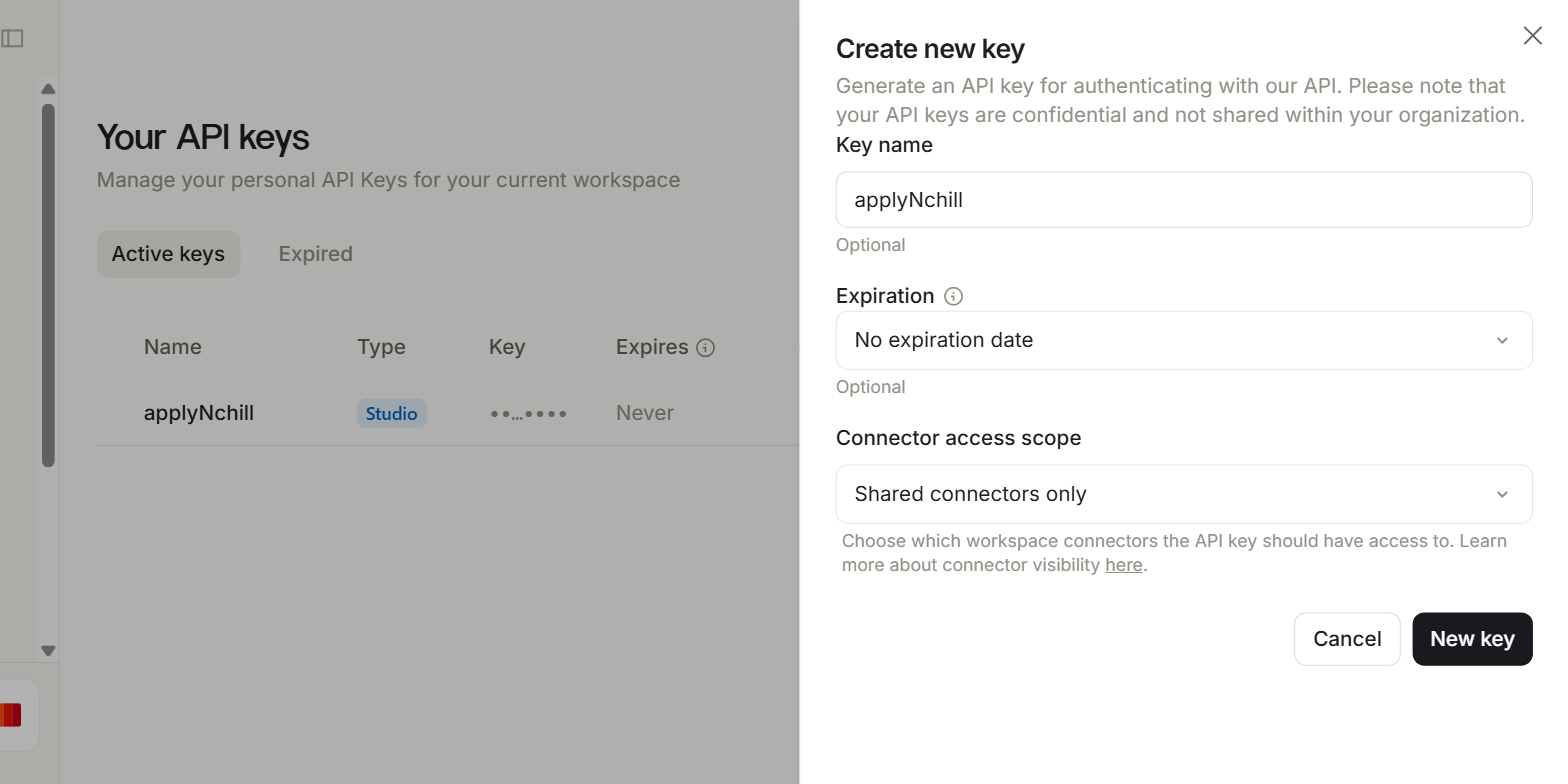
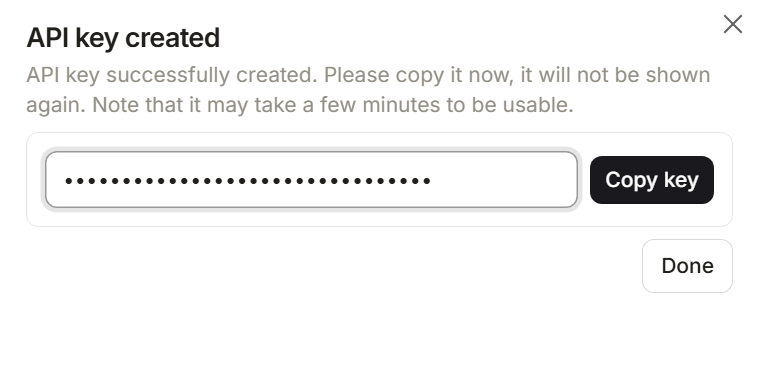
Five screens, and none of them cost anything. They are below, in order: scroll on and walk through them.
Put it in
- 01Open Setup and find "Mistral API key".
- 02Paste the key and save.
- 03If you have several, paste them separated by commas — they are used as a pool and rotated when one is rate-limited.
This is the only place the key goes. Every service and the browser extension read it from here — there are no .env files to edit and no second copy to keep in step.
What it costs
Enrichment is one small call per job description and is by far the bulk of it. Matching is arithmetic and spends nothing. Résumé tailoring is one larger call per application, and it is optional — you can run the whole pipeline with your base résumé and turn tailoring on later. Against a monthly allowance that size, ordinary use does not come close to it, and if it ever did the worst that happens is enrichment pausing until the month turns over.